Videos
 How it worksExplained step by step. For customers only.
What is Contacts?
Contacts is your address book. It stores names, phone numbers, email addresses and notes, and keeps them synchronised with your phone, Mail and Calendar. With shared address books, the whole team has the same data.
What can you do with it?
- Address booksCreate multiple address books, for example for customers, suppliers and private contacts.
- Shared address booksShare an address book with colleagues, so everyone works with the same contact details.
- GroupsOrganise contacts into groups and email or invite an entire group at once.
- SynchronisationWorks with iPhone, Android, Thunderbird and Outlook via the open CardDAV protocol.
- ImportingImport contacts from Google, Outlook or your phone via a vCard file.
Getting started
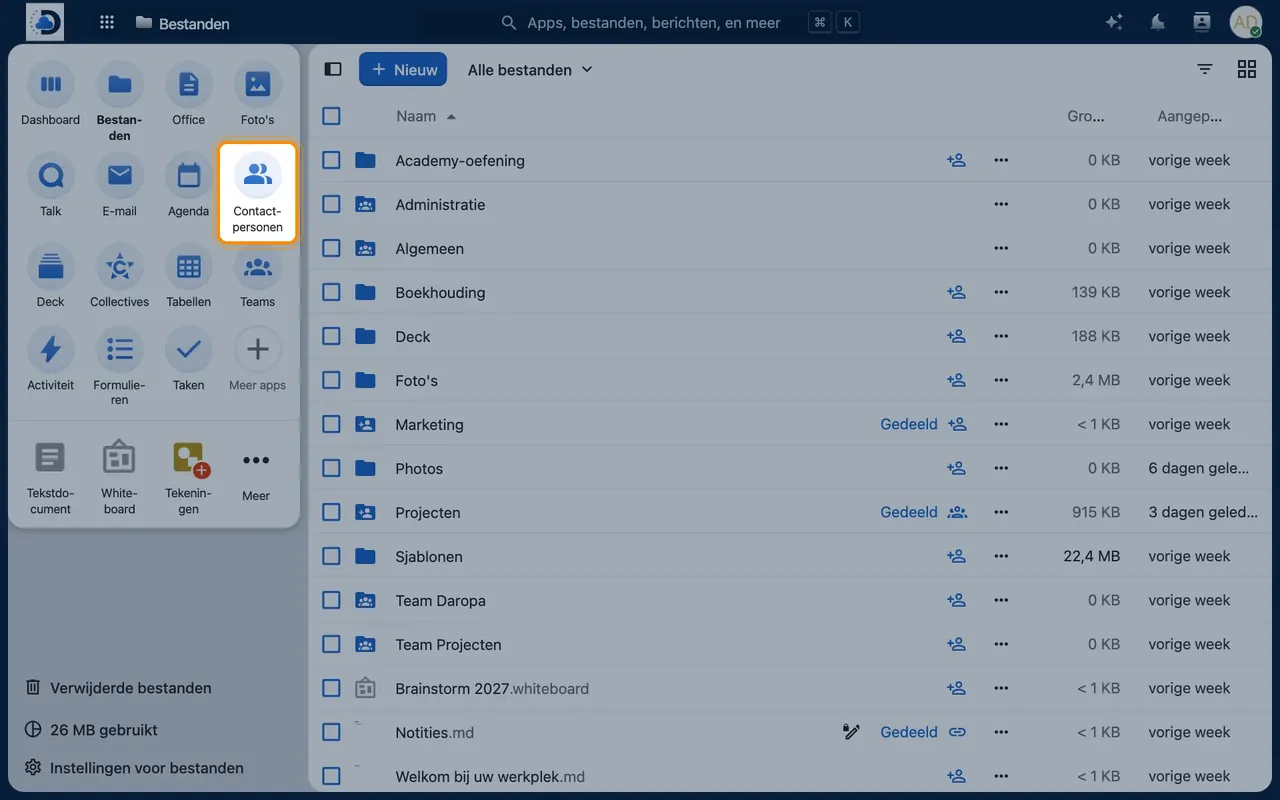
- Open ContactsClick the contacts icon in the top bar.
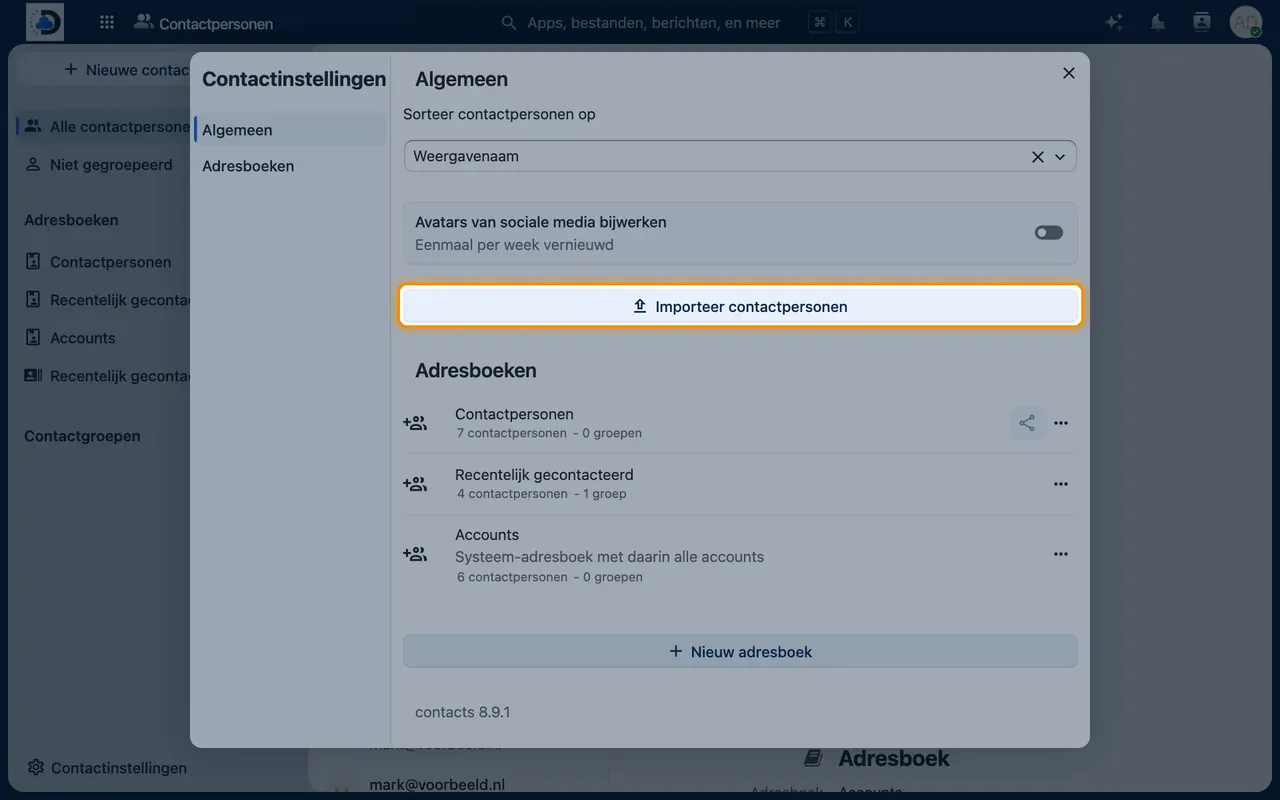
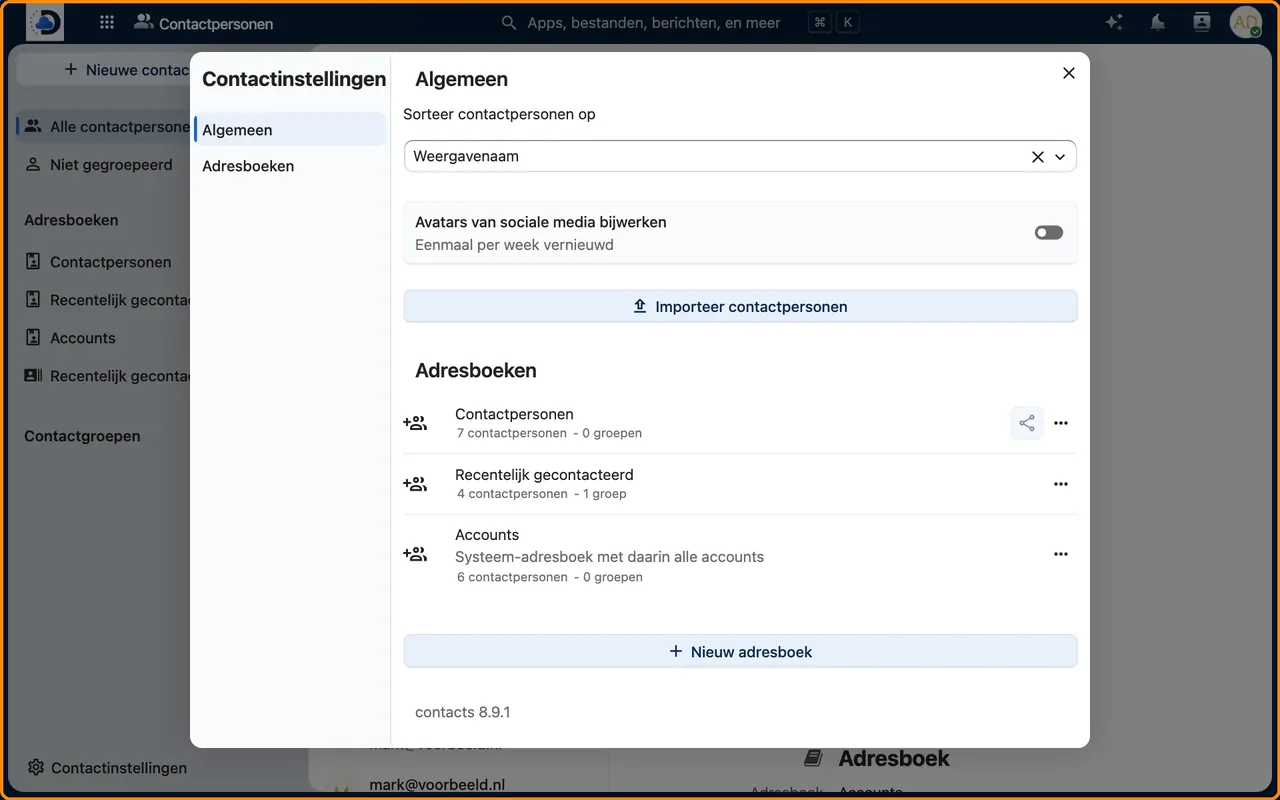
- Import existing contactsExport your contacts as a vCard (.vcf) and select Contacts > Settings > Import contacts.
- Link your phoneOn iPhone: Settings > Contacts > Accounts > Add Account > Other > CardDAV Account. On Android: the DAVx⁵ app.
Tips
- Use a shared address book for customer contacts, so no data is lost when a colleague leaves.
- Birthdays of contacts automatically appear in a separate birthday calendar.
Frequently asked questions
Can I transfer contacts from my phone?
Yes. After linking the CardDAV account, you can move contacts to your workplace, or you can import a vCard file.
Are my contacts visible to colleagues?
Only if you deliberately share an address book with them.