Videos
 How it worksExplained step by step. For customers only.
What is Photos?
Photos displays all your photos and videos clearly on a timeline. With the mobile app, new photos are automatically uploaded, so you have a secure backup in Europe instead of with Google or Apple.
What can you do with it?
- TimelineAll your photos and videos sorted by date, from all your folders.
- AlbumsCreate albums, for example per holiday or project, without moving files.
- Shared albumsShare an album with family, friends or colleagues, or via a public link.
- Automatic uploadThe app for iOS and Android automatically uploads new photos and videos to your workplace.
- FavouritesMark your best photos and find them quickly.
Getting started
- Install the appDownload the Nextcloud app from the App Store or Google Play and log in with the address of your workplace.
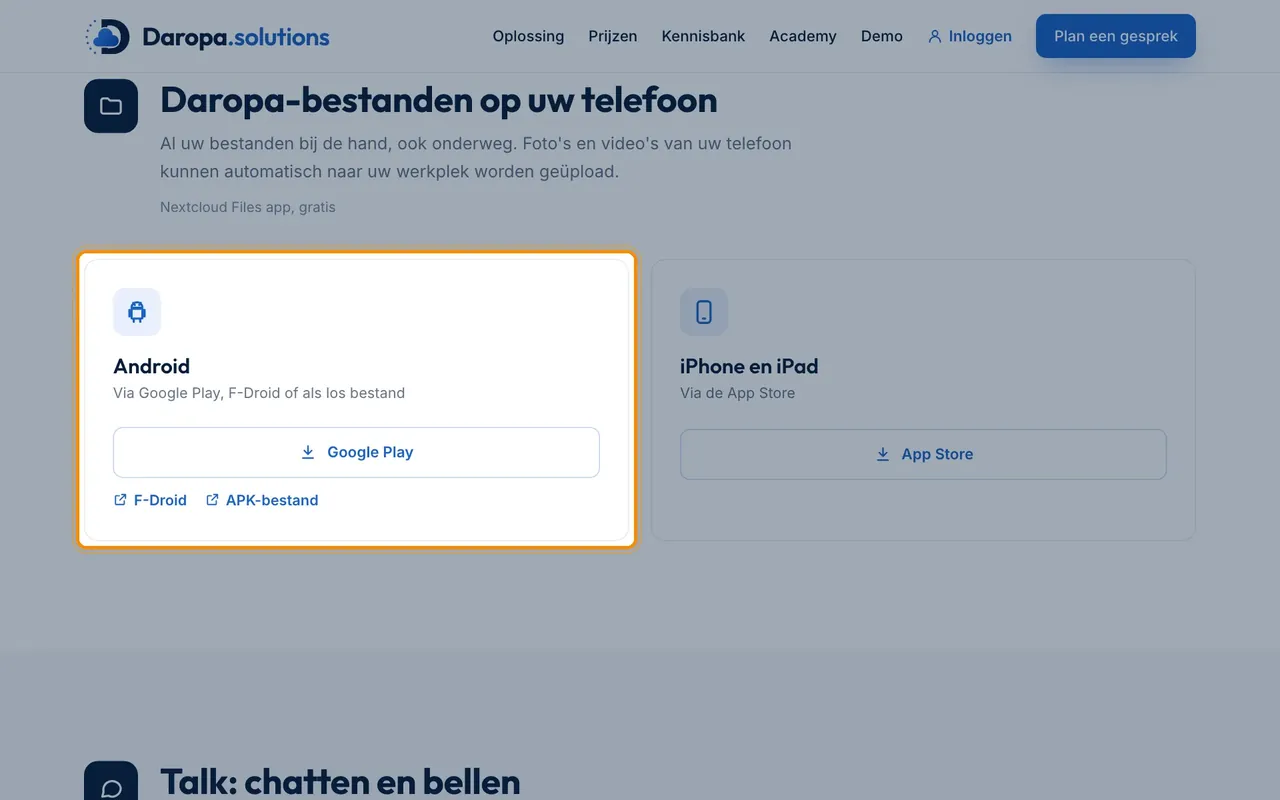
- Enable automatic uploadGo to Settings > Auto upload in the app and select the folders with photos.
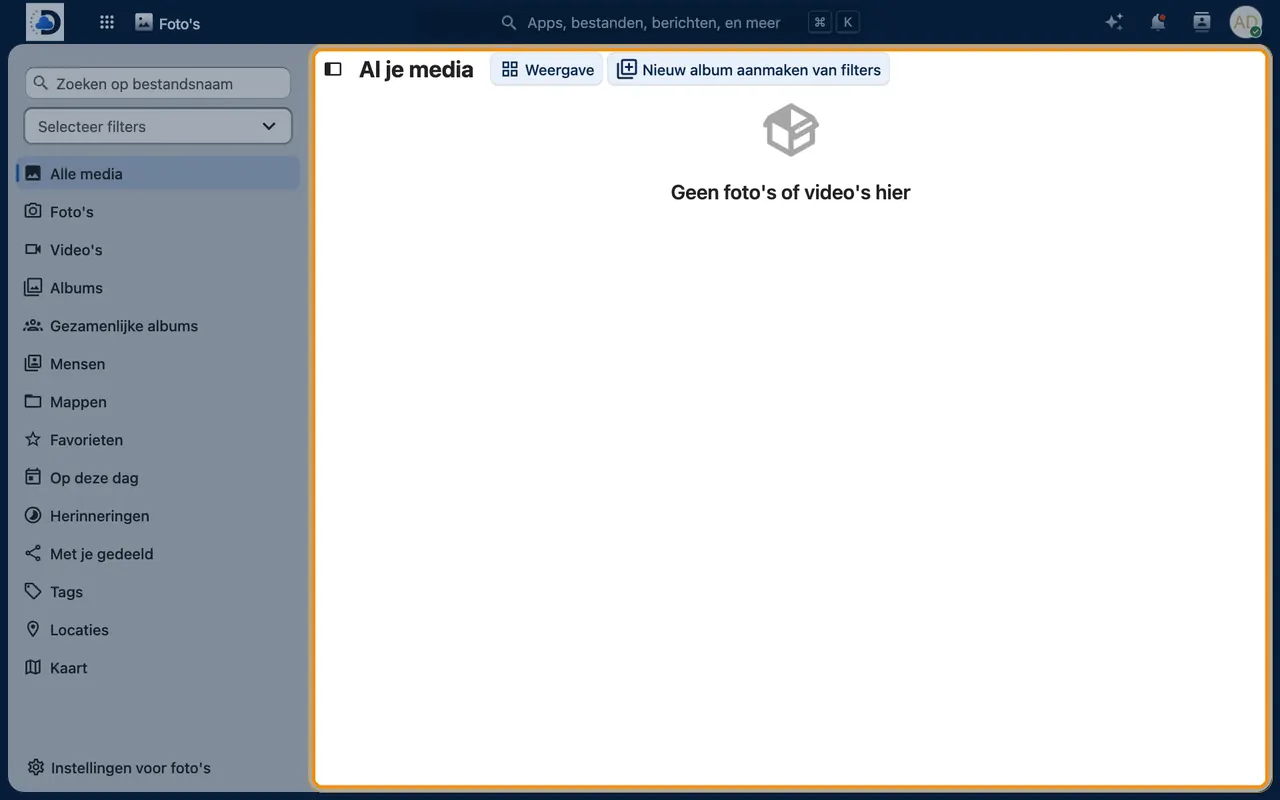
- Open PhotosClick the Photos icon in the web version to view your timeline.
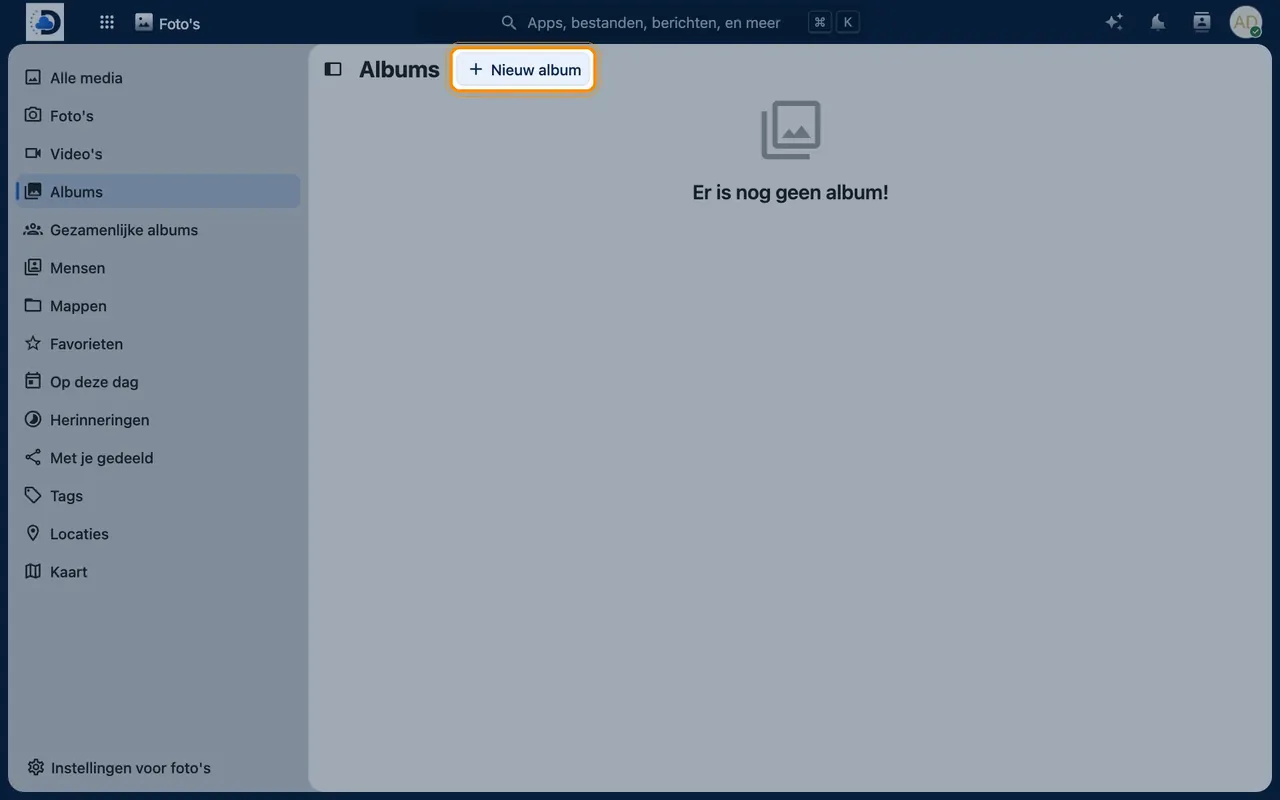
- Create an albumSelect “Albums” > “New album”, give it a name and add photos.
Tips
- Set the app to upload only via Wi-Fi if you have a limited data plan.
- A shared album is useful for collecting all photos from everyone after a birthday or outing.
Frequently asked questions
Can I transfer my photos from iCloud or Google Photos?
Yes. Export your photos from Apple or Google (via Google Takeout) and upload them afterwards. We are happy to help you with this.
Are my photos scanned or analysed?
No, not by third parties. Your photos remain in your own environment.