Videos
 How it worksExplained step by step. For customers only.
What is Calendar?
Calendar is your agenda for work and personal use. You can create appointments, invite others, share calendars with colleagues or family members, and synchronise everything with your phone and Outlook or Thunderbird.
What can you do with it?
- Multiple calendarsKeep work, private, and team calendars separate, each with its own colour.
- InvitationsInvite colleagues or external contacts. They will receive an invitation by email and can accept or decline.
- Share calendarsShare a calendar with colleagues (view or edit) or publish it via a link.
- Appointment plannerLet customers book a time in your available slots via a booking page.
- AvailabilitySee when colleagues are already busy when scheduling.
- Add video meetingAdd a Talk meeting room to an appointment with one click.
Getting started
- Open CalendarClick the calendar icon in the top bar.
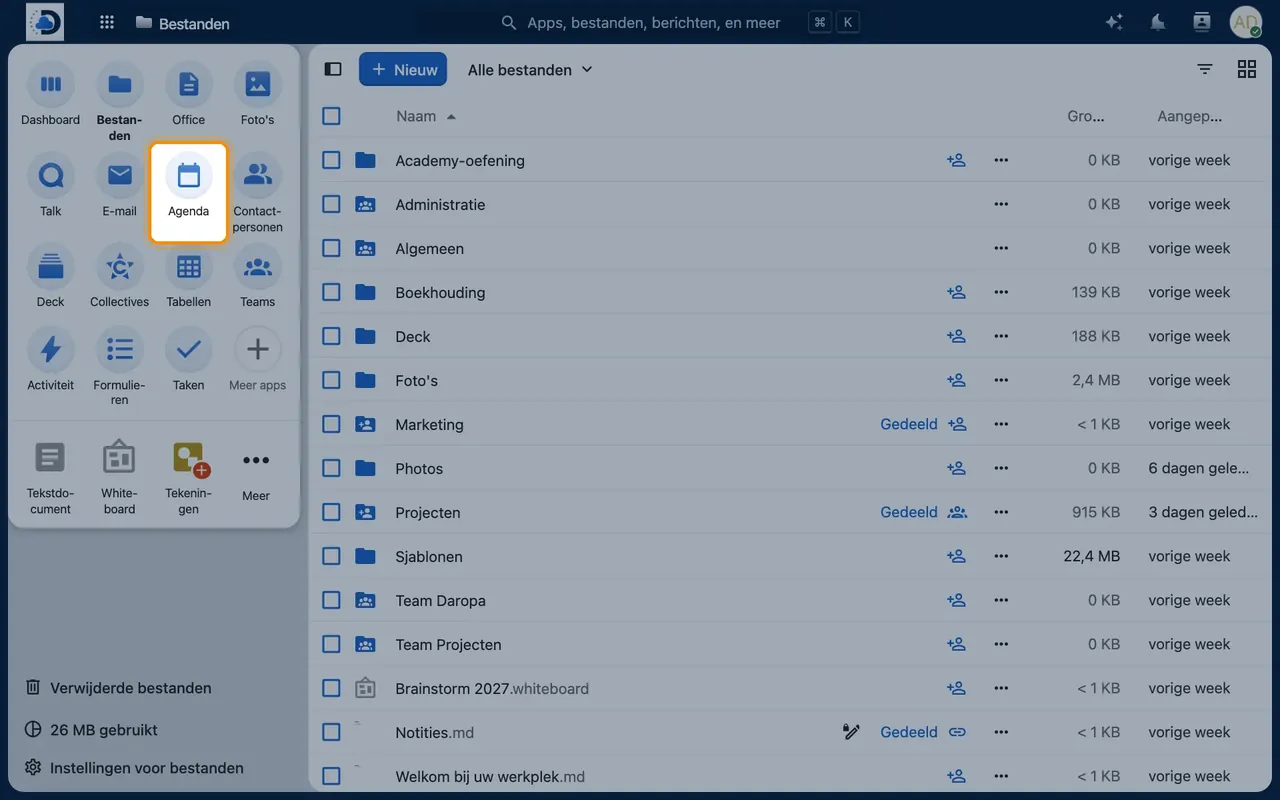
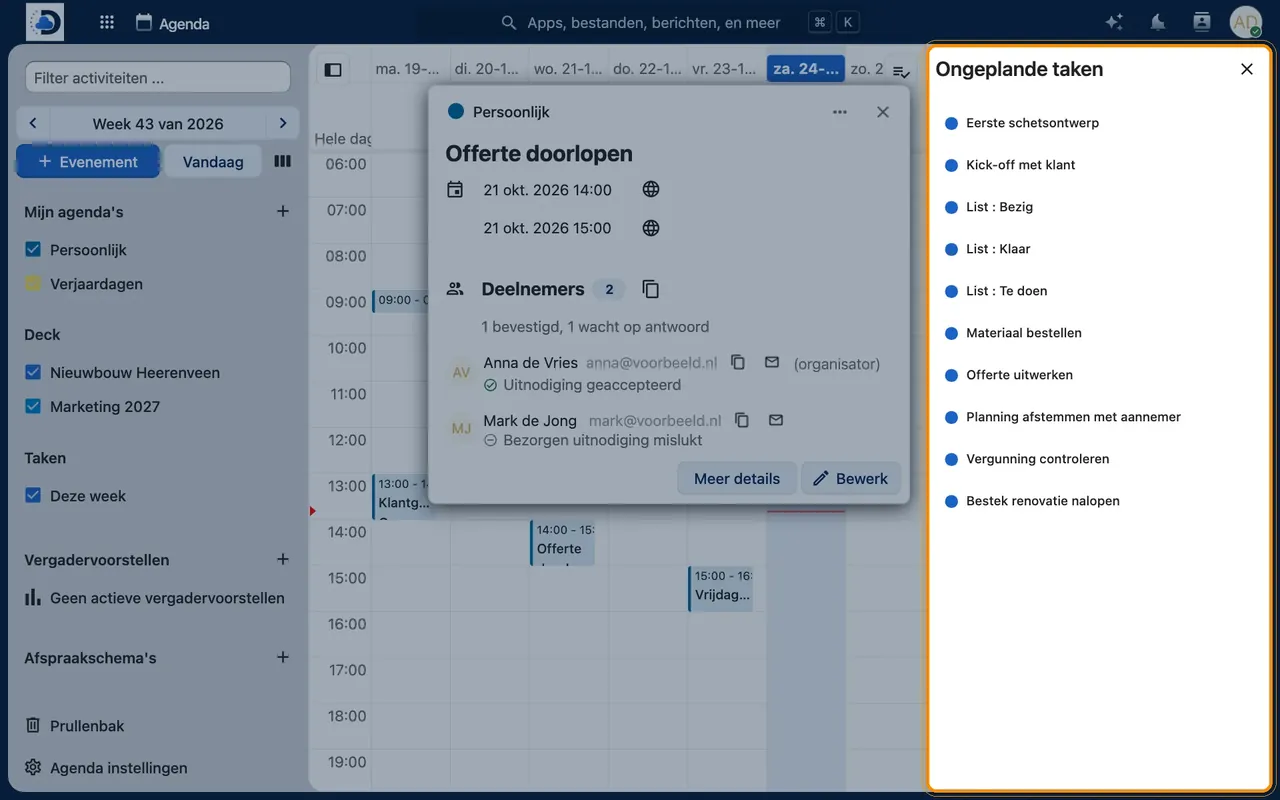
- Create an appointmentClick on a time slot, enter a title and time, and optionally add participants.
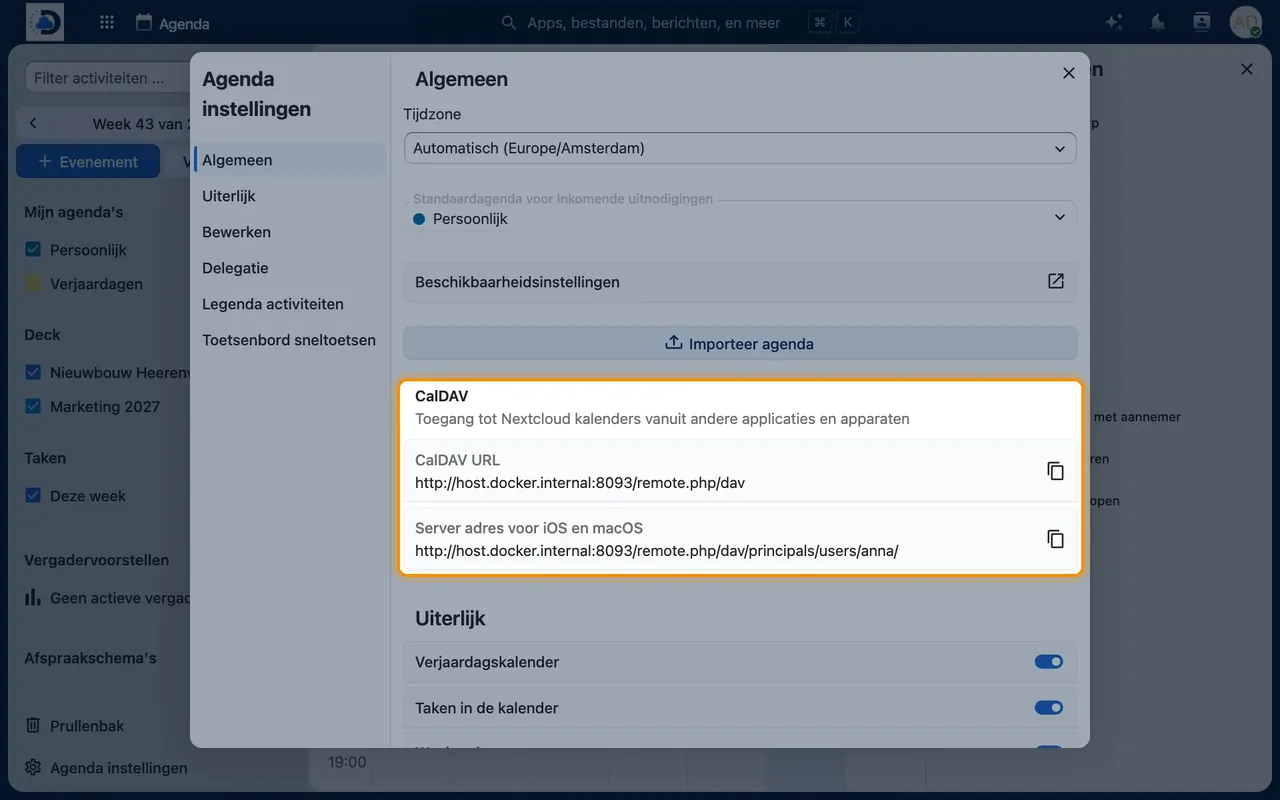
- Link your phoneOn iPhone: Settings > Calendar > Accounts > Add Account > Other > CalDAV Account. On Android, use the DAVx⁵ app.
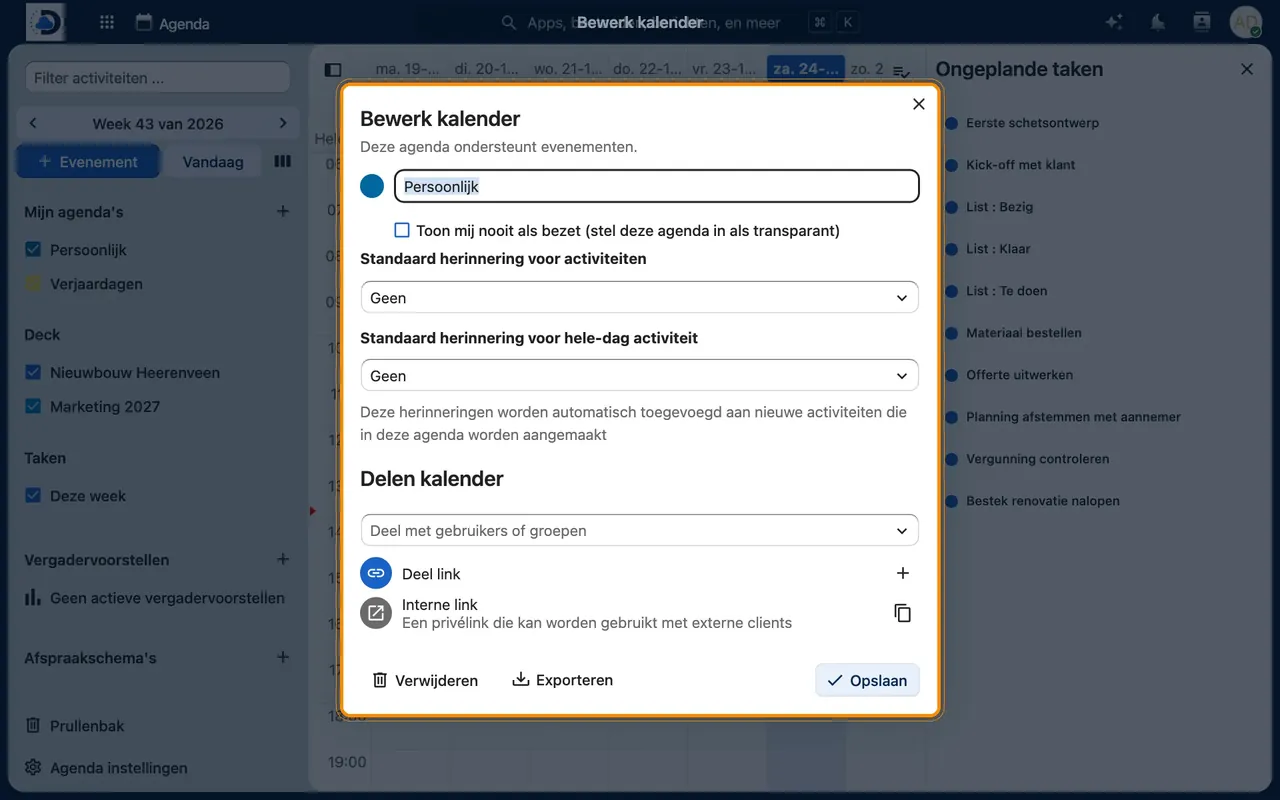
- Share a calendarClick the three dots next to the calendar on the left > Share and choose people or create a link.
Tips
- Create a shared calendar for holidays and absences, so everyone can see who is available and when.
- The appointment planner saves you the back-and-forth emails about finding a suitable time.
- In Outlook, you can link your calendar using the free add-in CalDAV Synchronizer.
Frequently asked questions
Can I transfer my calendar from Google or Outlook?
Yes. Export your calendar as an .ics file and import it into Calendar, or let us handle the migration for you.
Does it work with the calendar on my iPhone?
Yes, via a CalDAV account. Appointments you create on your phone will appear directly in your workplace and vice versa.