Explore the Daropa Workplace online
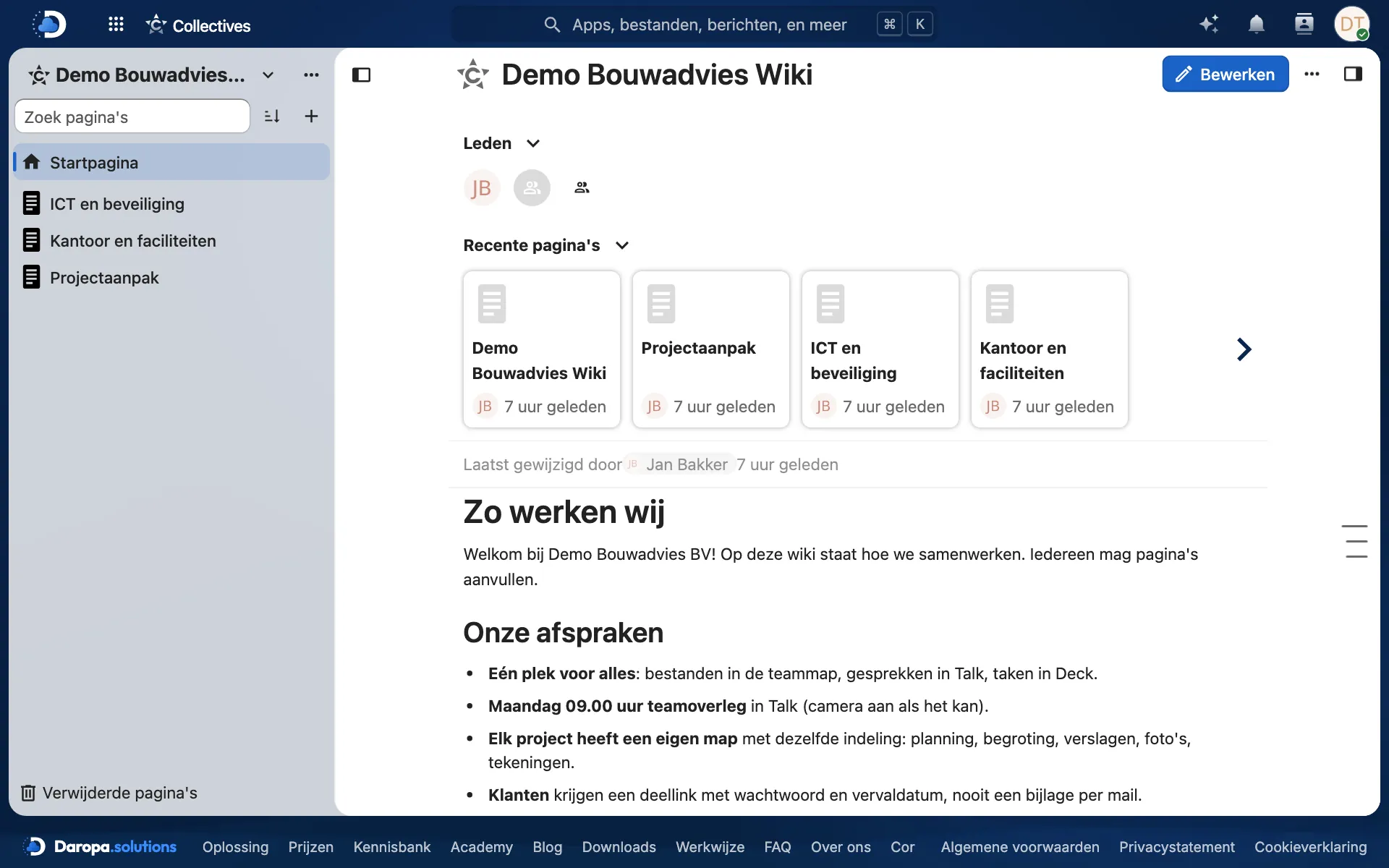
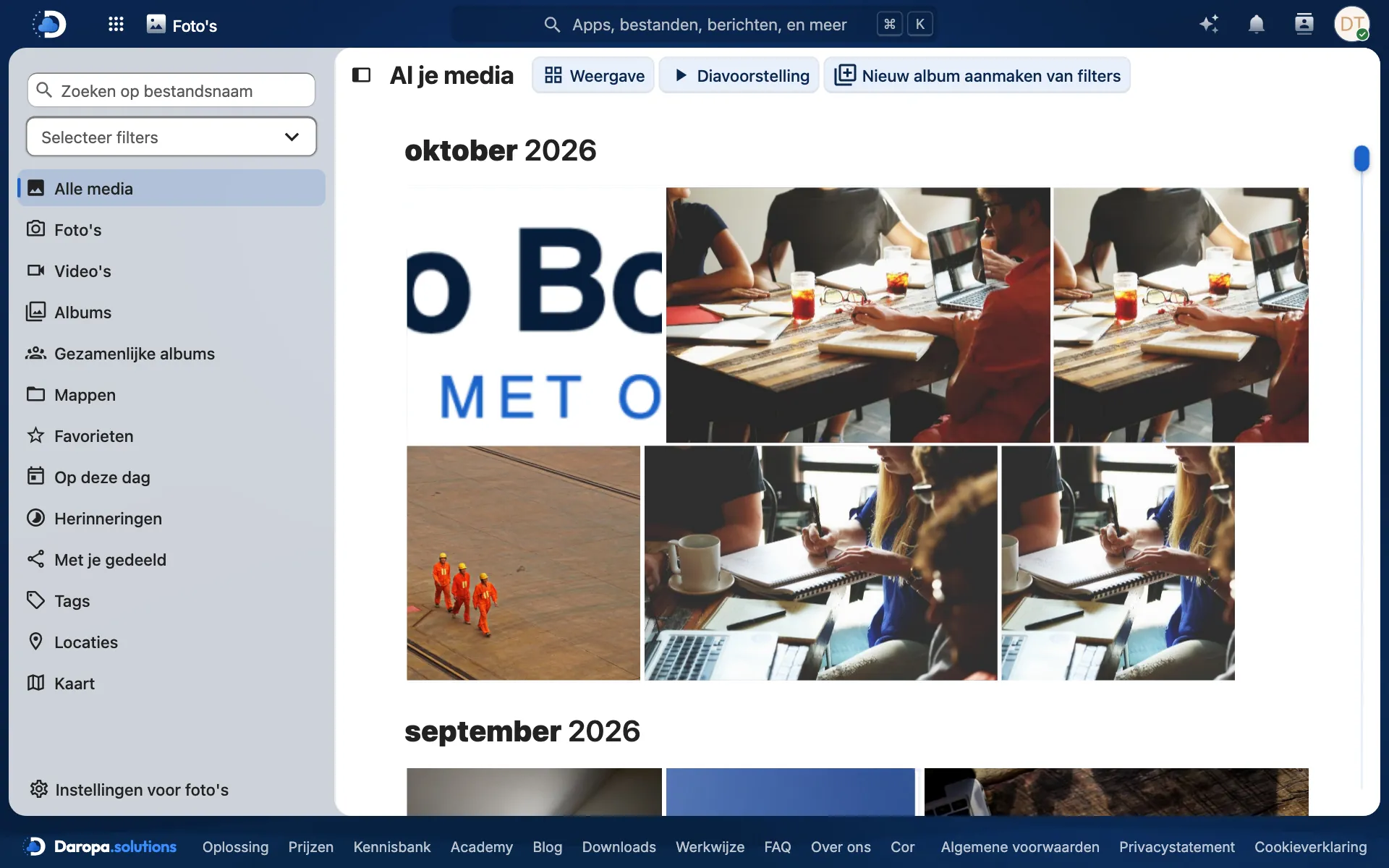
Click around in a complete workplace with Files, Office, Calendar, Talk, Mail and more. Filled with example content from the fictional company Demo Bouwadvies, so you can immediately see how it works in practice.
Fresh every night
The demo is reset every night at 02:30 to its initial state. Feel free to try everything: you cannot break anything.
- Anything you add, modify or delete will be gone the next morning.
- Do not enter real files, passwords or personal data.
- Your demo login will continue to work, even after the reset.
Three steps to the demo
Request
In the contact form, select ‘Free demo (online)’ and indicate which demo you want: business or healthcare, as a team member or administrator.
Receive login
Within one working day, you will receive a personal username and password by email.
Explore
Log in at nc-demo.daropa.solutions in your browser or with the Nextcloud app, and try everything out.
Two example organisations, two roles
All names, amounts and documents are fictional. When you make your request, choose an organisation and a role, and we will send you the matching login.
Demo Bouwadvies BV
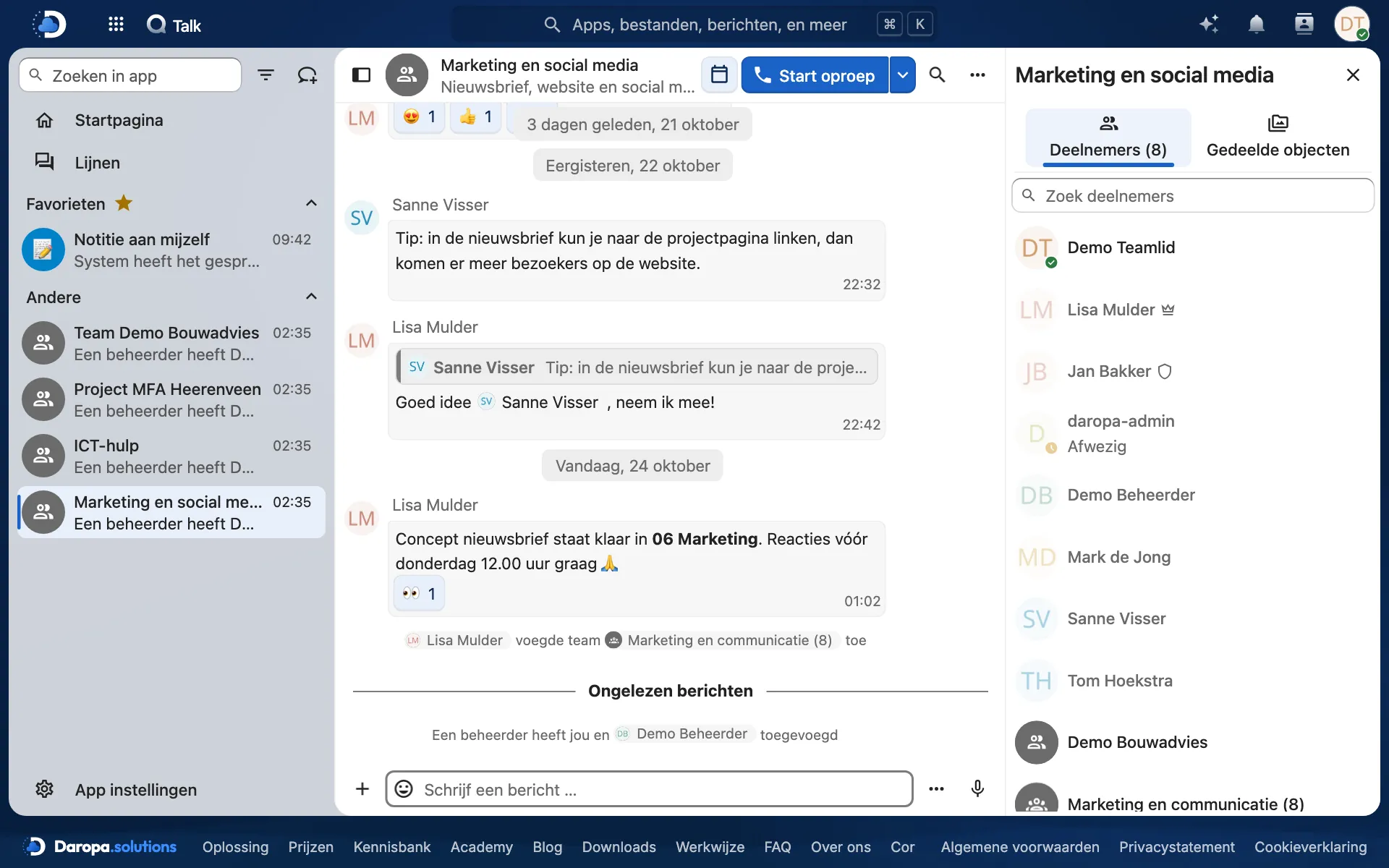
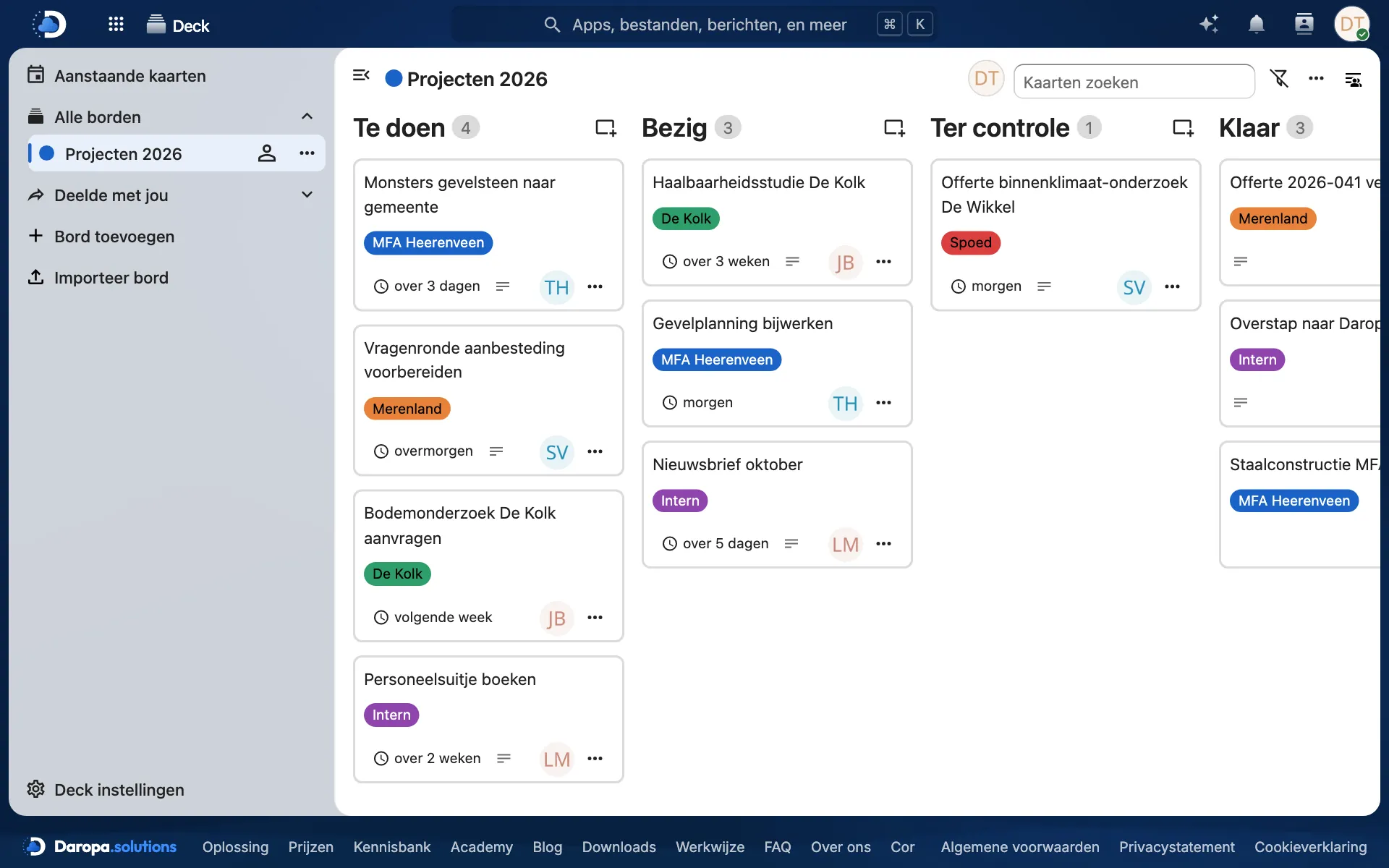
A consultancy firm with colleagues, projects, quotes, a team calendar, Talk conversations, a Deck board, forms and a wiki.
Request the business demoDemo Zorggroep De Linde
A healthcare organisation using protocols, handover procedures, team discussions in Talk, and forms, alongside the client dossier Dossier360.
Request the healthcare demoTeam member
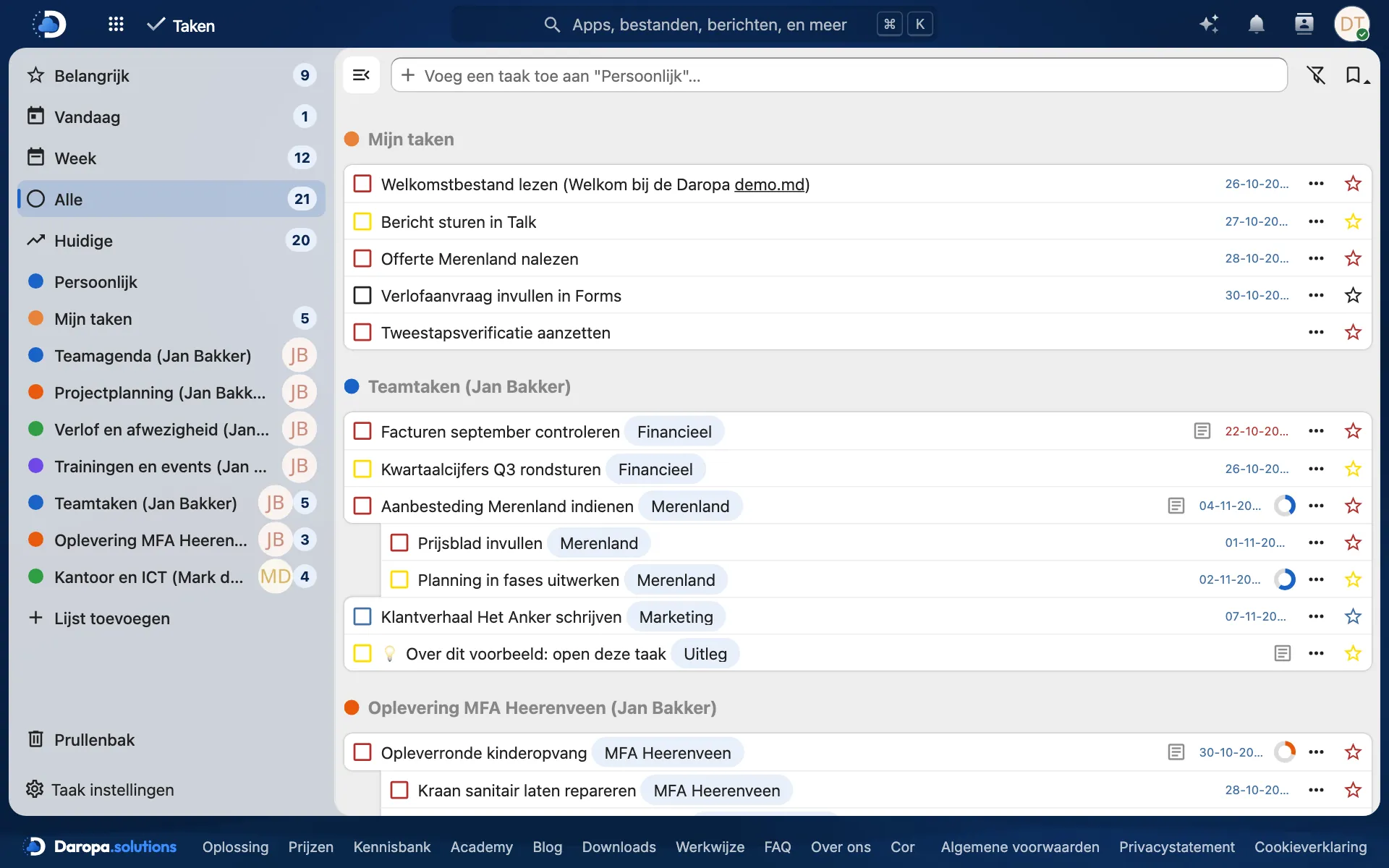
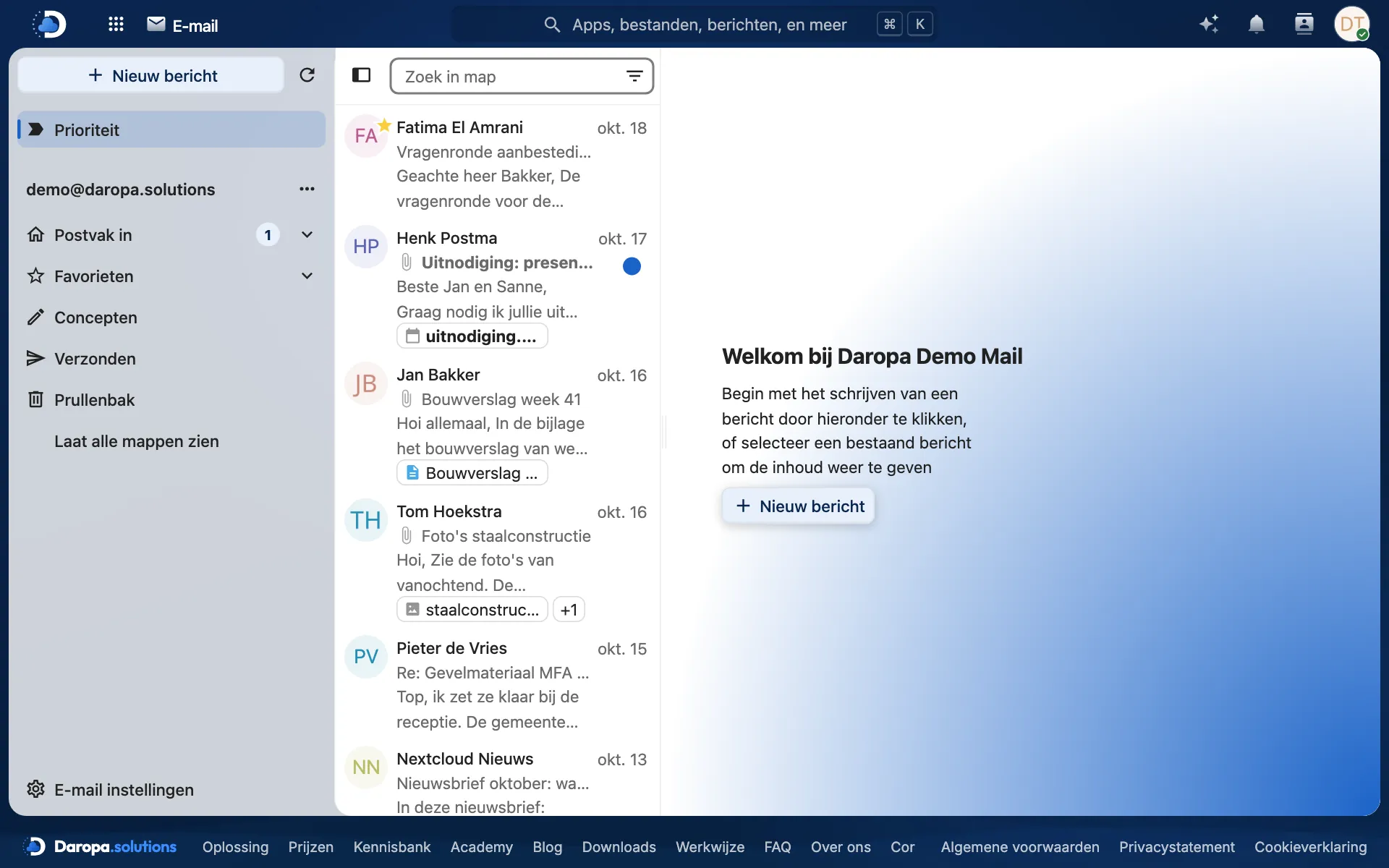
Work like an employee: files, sharing, collaborative editing, calendar, chat, and tasks.
Request as team memberAdministrator
Also view the admin features: creating accounts, team folders, sharing settings, and branding.
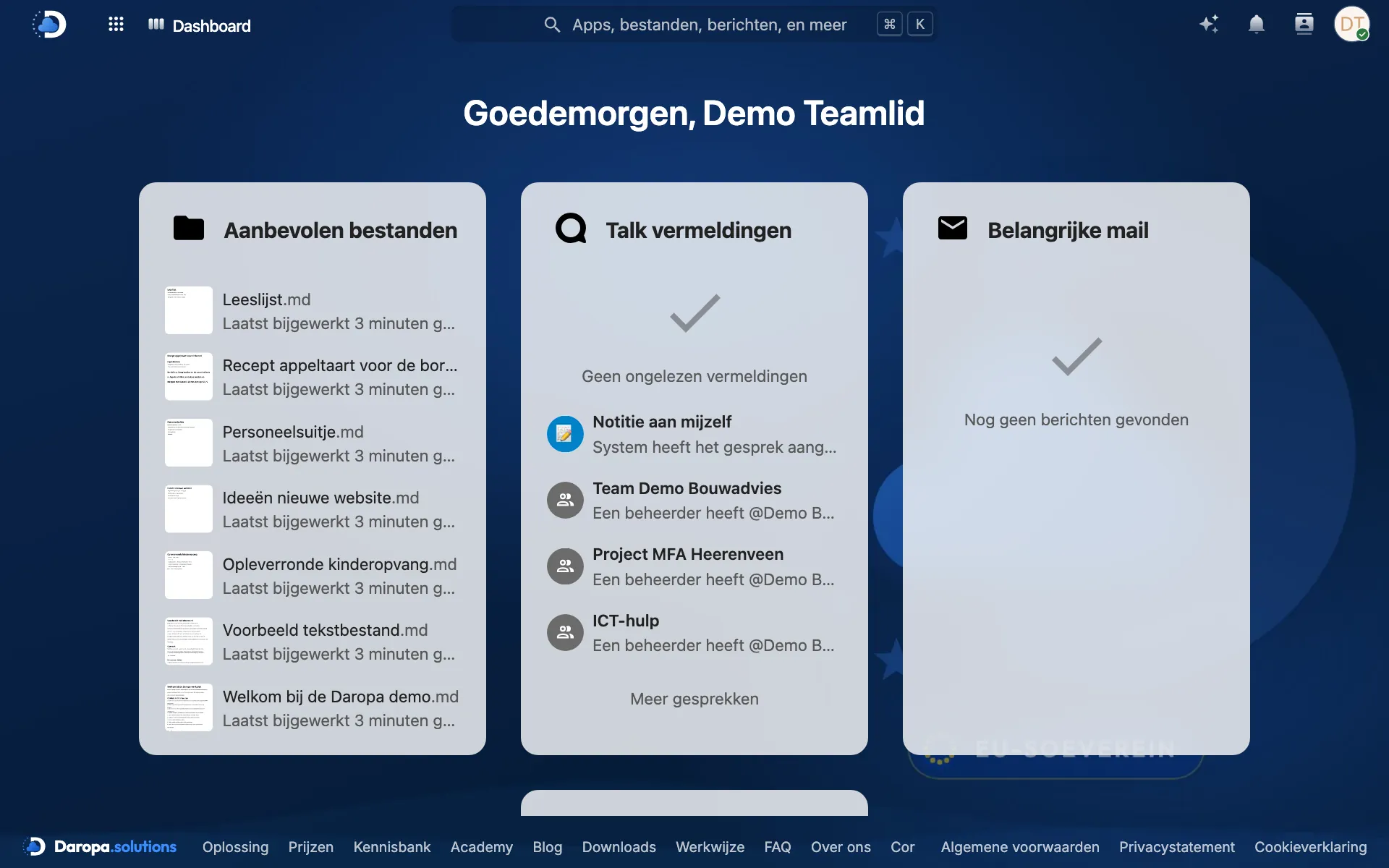
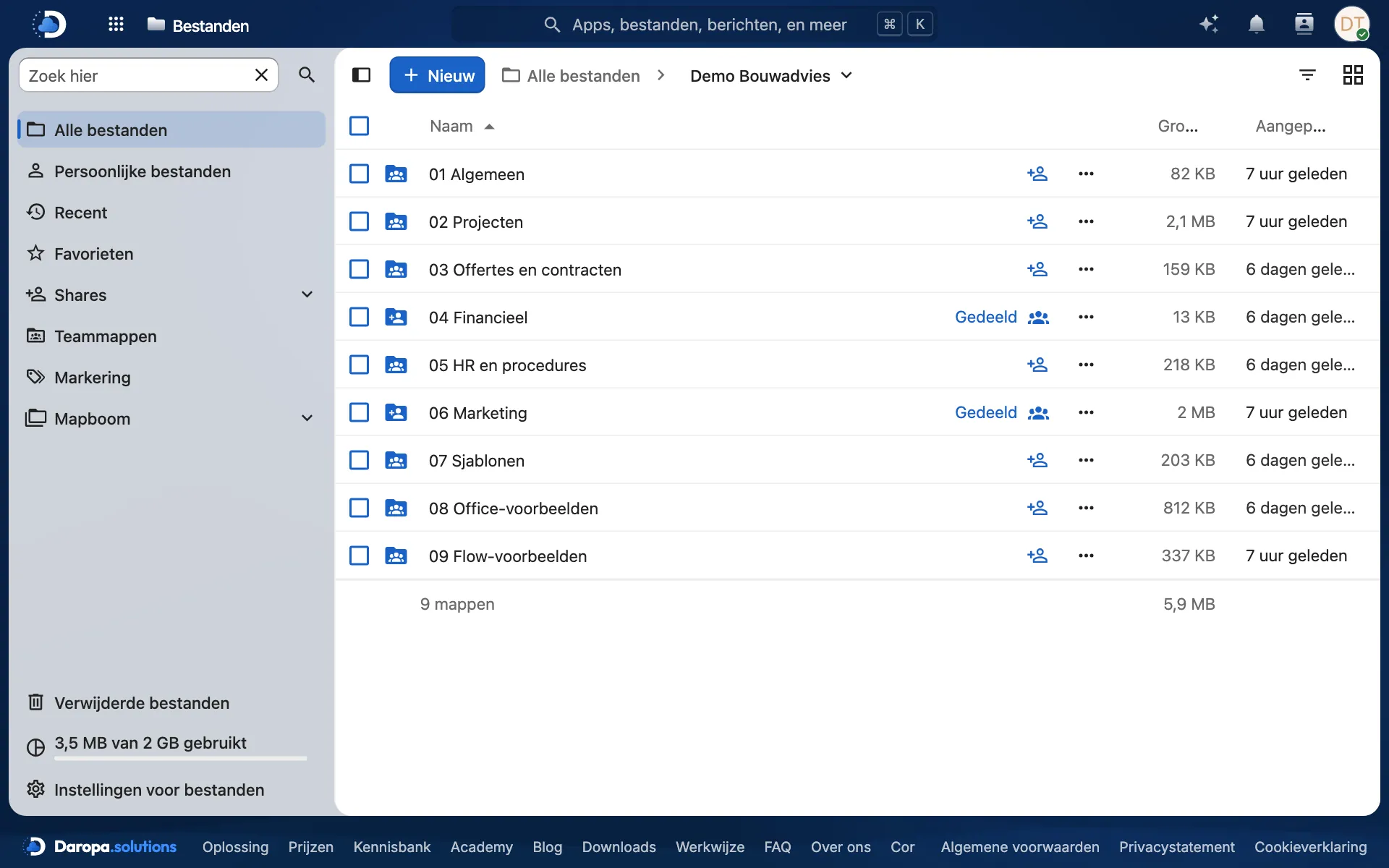
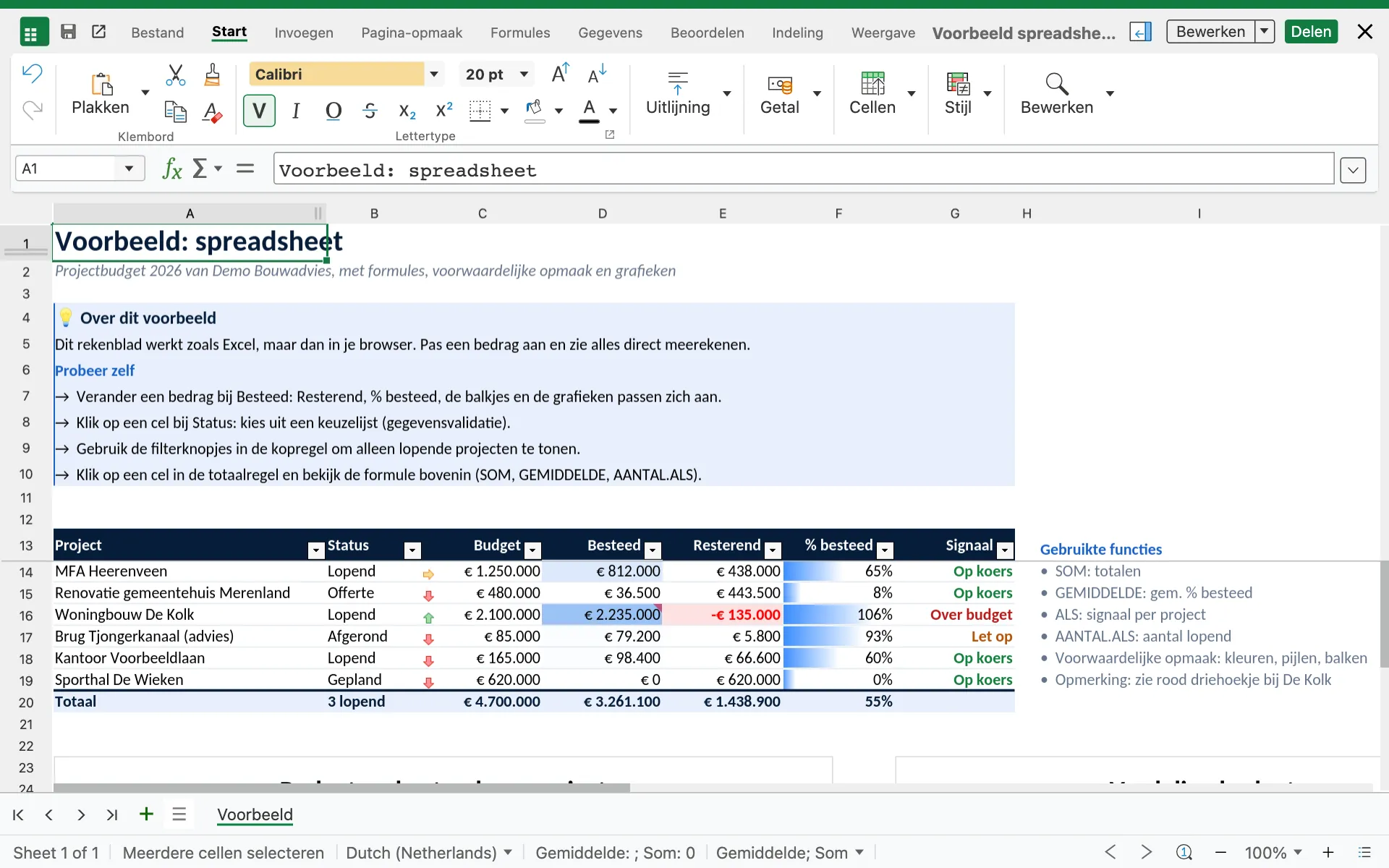
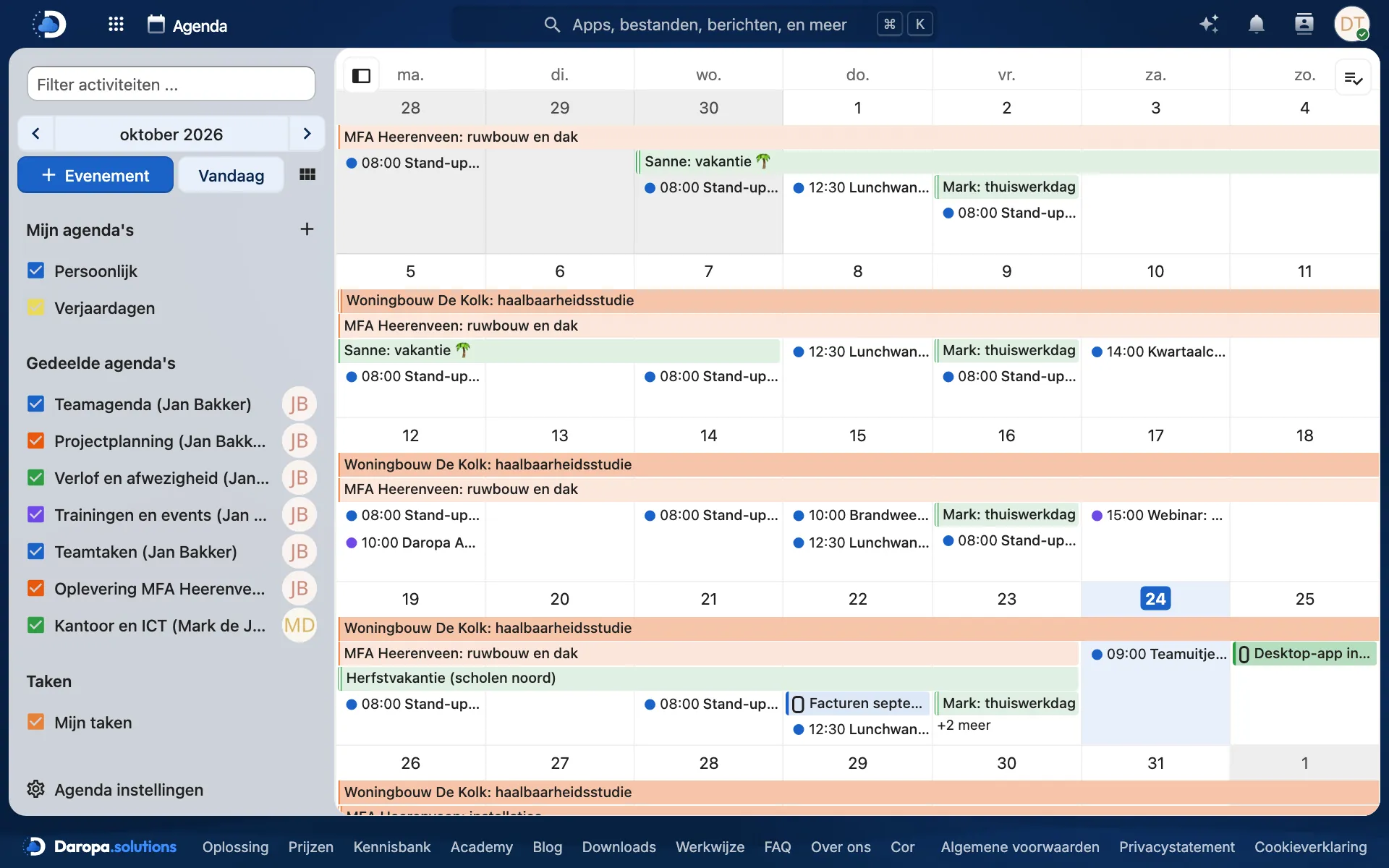
Request as administratorA look inside the demo
Directly from the online demo. Click on an image to view it enlarged and navigate using the arrows.
How to log in
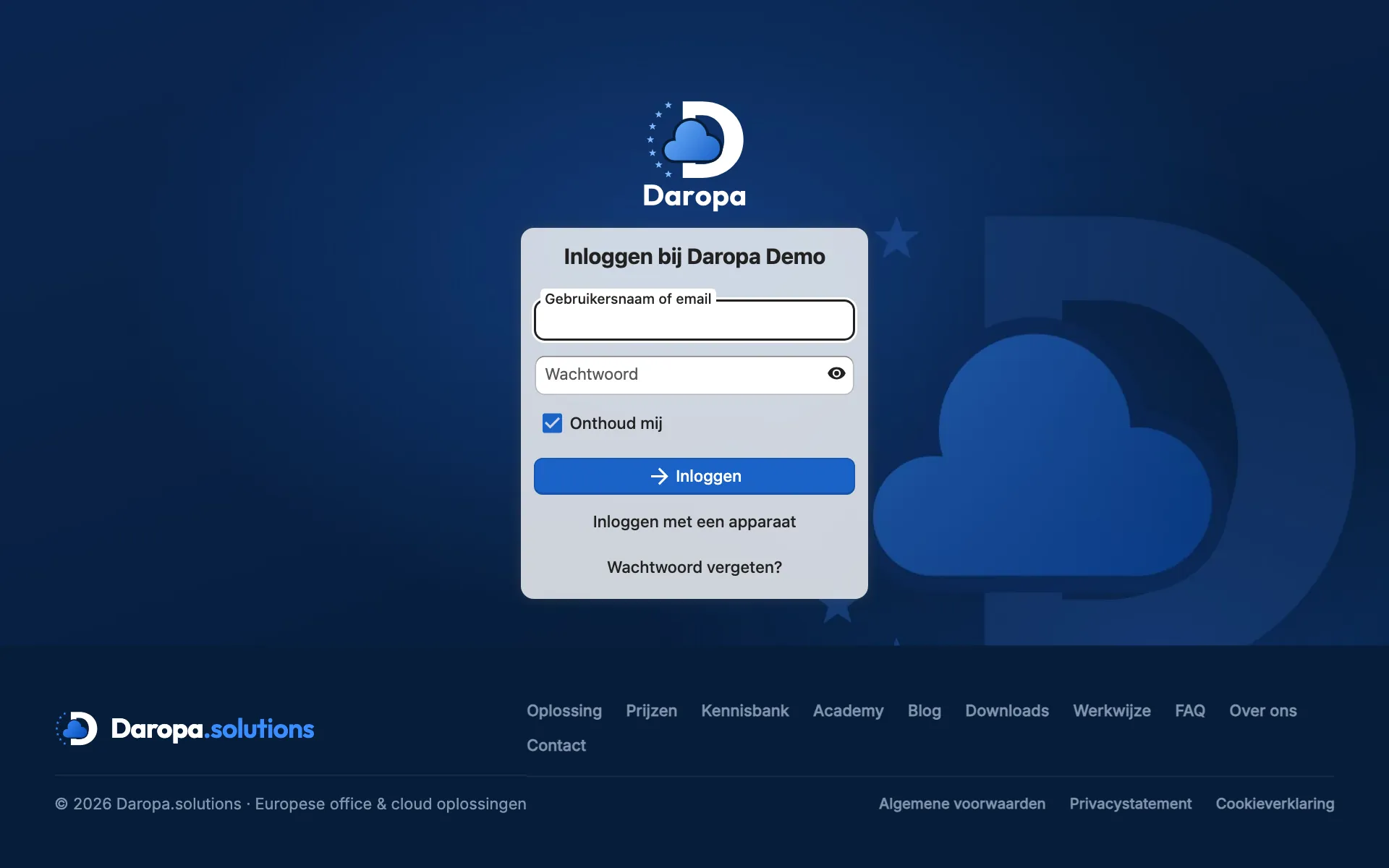
- Go to
nc-demo.daropa.solutions. - Enter the username and password from our email.
- Click Log in. You will arrive at the dashboard.
Prefer to use it on your computer or phone? Download the app and enter nc-demo.daropa.solutions as the server address.
About the demo
What does the demo cost?
Nothing. The online demo is free and without obligation. You are not committed to anything.
How quickly will I get access?
Within one working day after your request, we will send you a personal demo login by email.
What happens to what I add in the demo?
Every night at 02:30, we reset the demo to its initial state. Anything you add, change, or delete will be gone the next morning. Therefore, do not include any real files or personal data.
Can I also use the demo on my phone or computer?
Yes. You can log in using the Nextcloud apps for Windows, macOS, and Linux and for iOS and Android. Enter nc-demo.daropa.solutions as the server address. This will also show you how synchronisation works.
Is the demo the same as the real workplace?
Yes, it is the same software and setup as for customers, only with fictional example content. We will configure your own workplace to suit your organisation, on your own domain name or on a Daropa domain.
Want to experience how the workplace works for yourself?
Request the demo and receive your login within one working day. Prefer to talk first? Call 0513 241 500.
How ready is your organisation for AI?
For businesses, healthcare, and government: answer questions about data, AI use, privacy, and security in 5 to 10 minutes. You will immediately see your score and the first steps. No account required.