Videos
 How it worksExplained step by step. For customers only.
What is Assistant?
The Assistant is your AI helper across the entire workplace. Ask it to summarise a long email, make a text more formal, translate a document or transcribe a conversation. Together with Local AI, your data stays within the EU, on Daropa’s servers.
What can you do with it?
- SummariseSummarise long emails, documents and chat conversations in a few sentences.
- Write and rewriteHave a draft written or make a text shorter, more formal or friendlier.
- TranslateTranslate texts between Dutch, English and other languages.
- Speech to textConvert a recording or meeting into text.
- Available everywhereUse the Assistant in Mail, Talk, Text and via the Assistant icon in the top bar.
Getting started
- Open the AssistantClick the Assistant icon in the top bar, or select text and choose the Assistant.
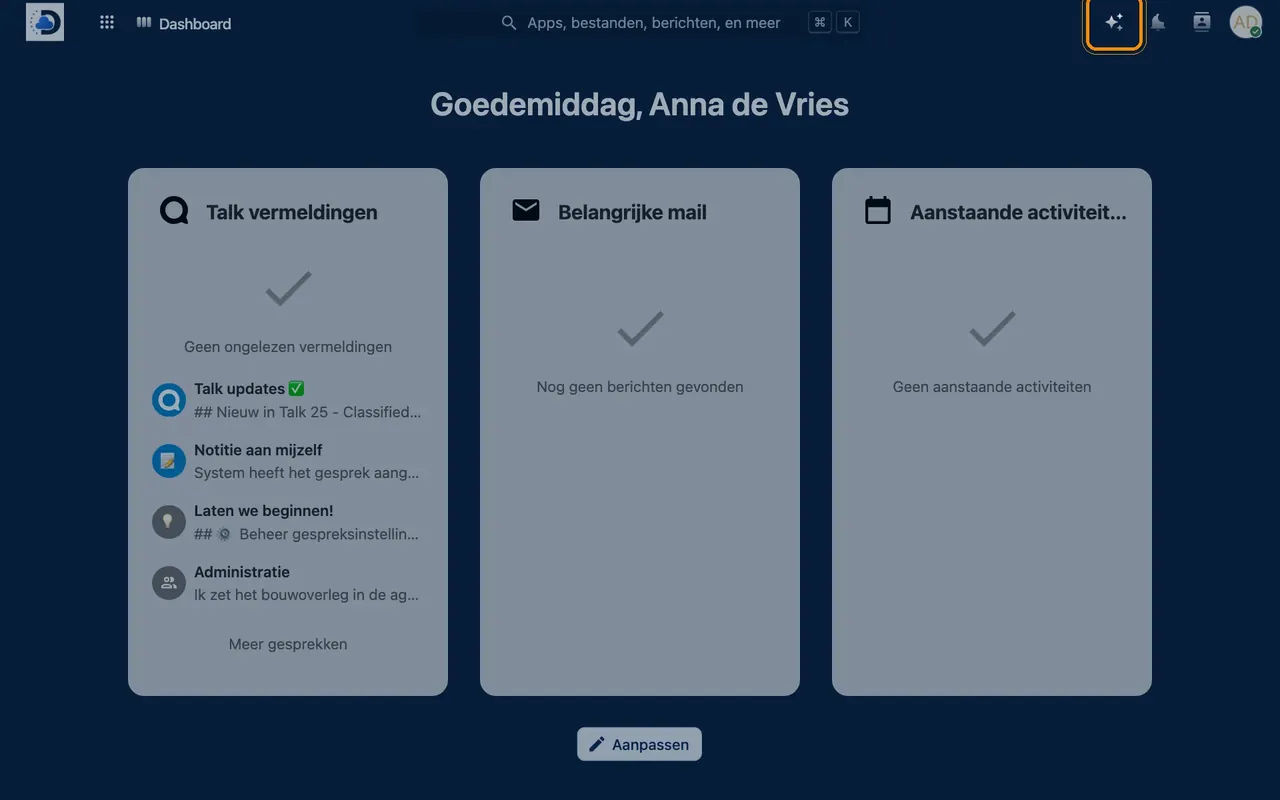
- Choose a taskFor example “Summarise”, “Free prompt” or “Translate”.
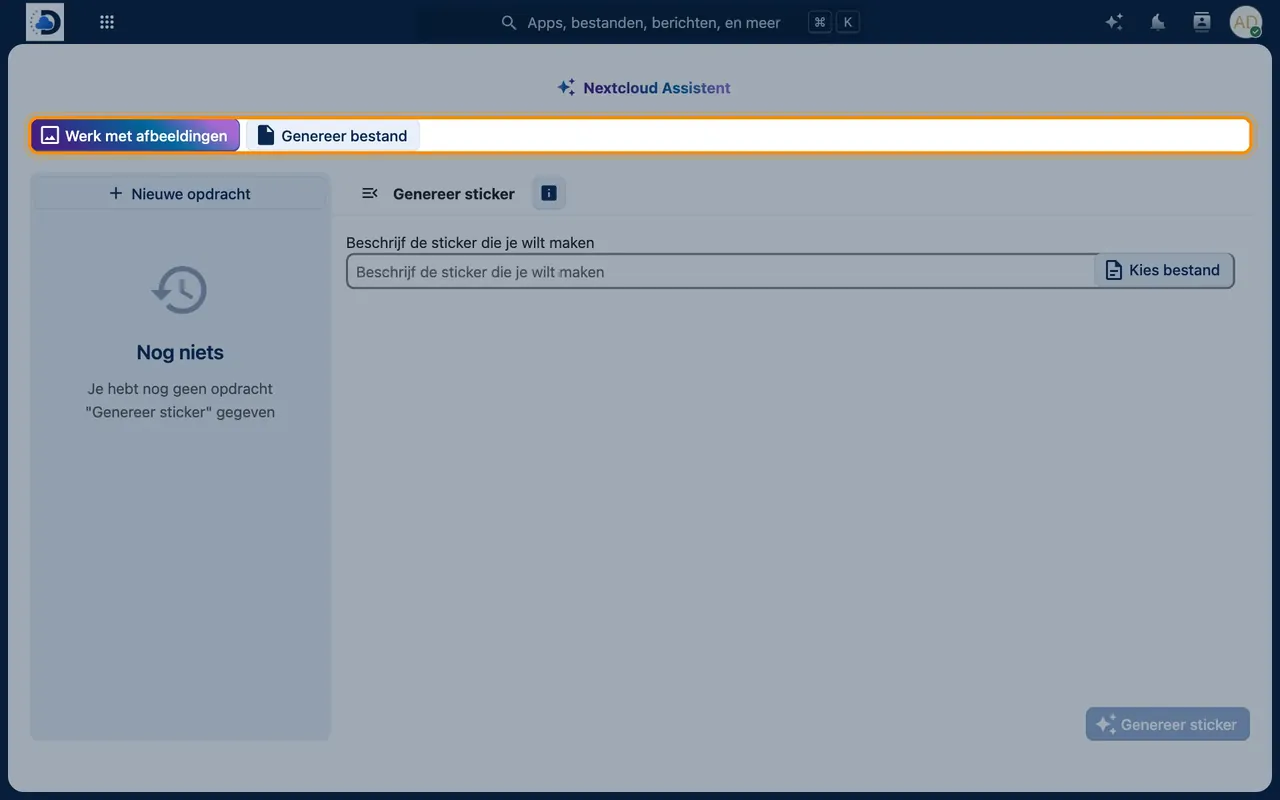
- View the resultAdopt the result, edit it or have it regenerated.
Tips
- Give the Assistant context: “Write a friendly reminder to a customer about an outstanding invoice.”
- Without Local AI, the Assistant can also work with an external AI service. Discuss with us what suits your organisation best.
Frequently asked questions
What is the difference between Assistant and Local AI?
The Assistant is the feature you use. Local AI is the proprietary language model that powers the Assistant, so your data stays within the system.
Does the AI learn from my data?
No. Your texts are not used to train the model.